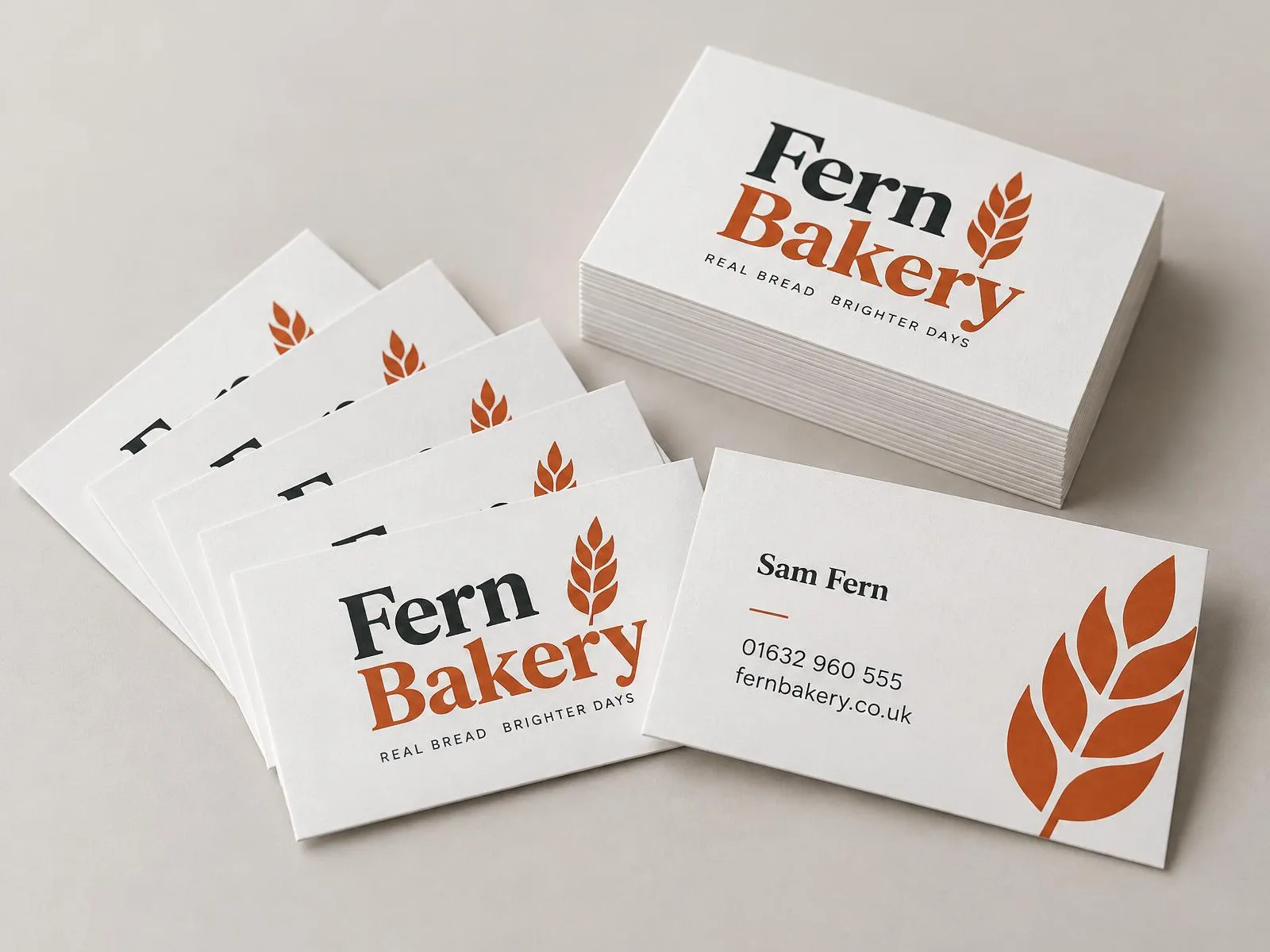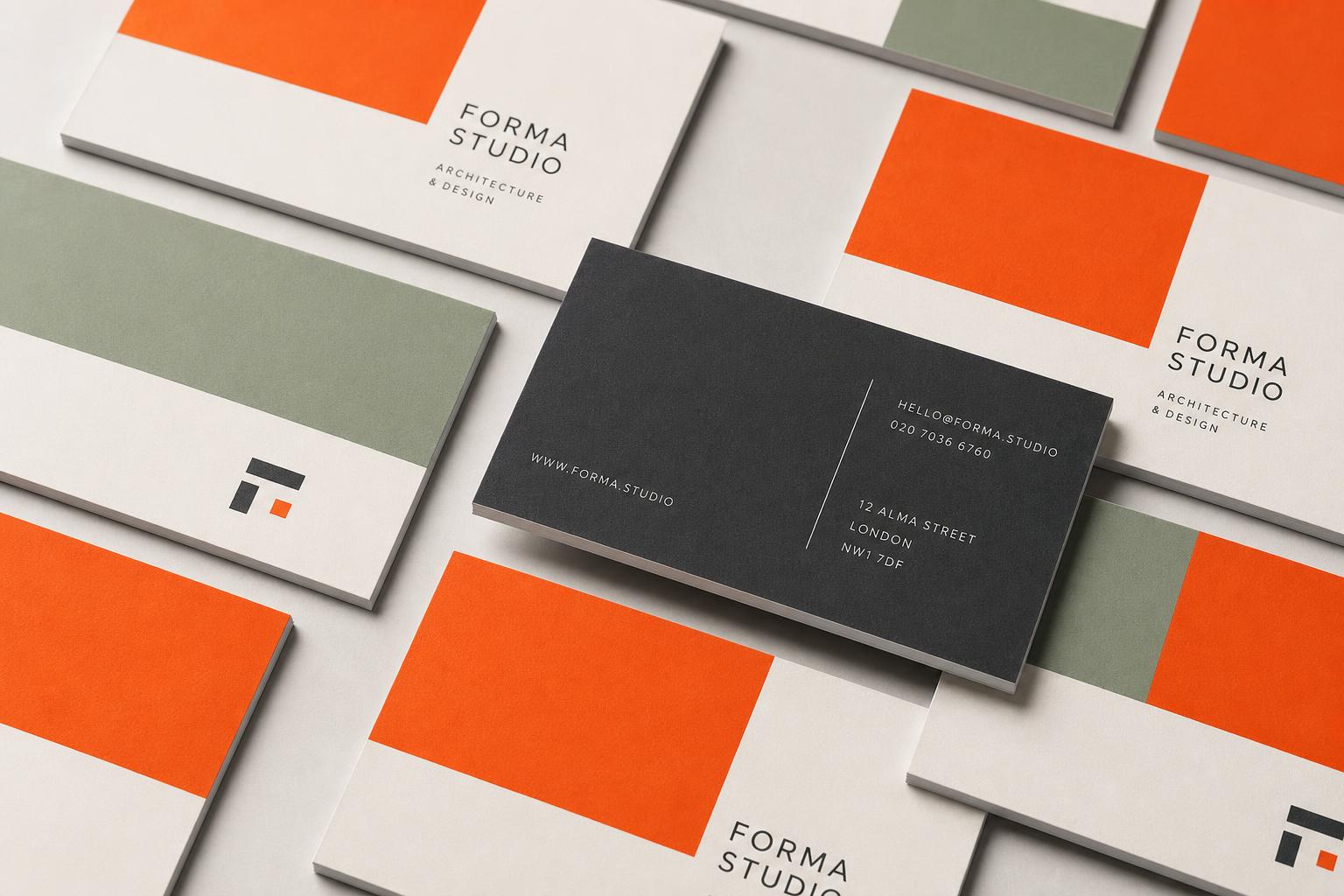

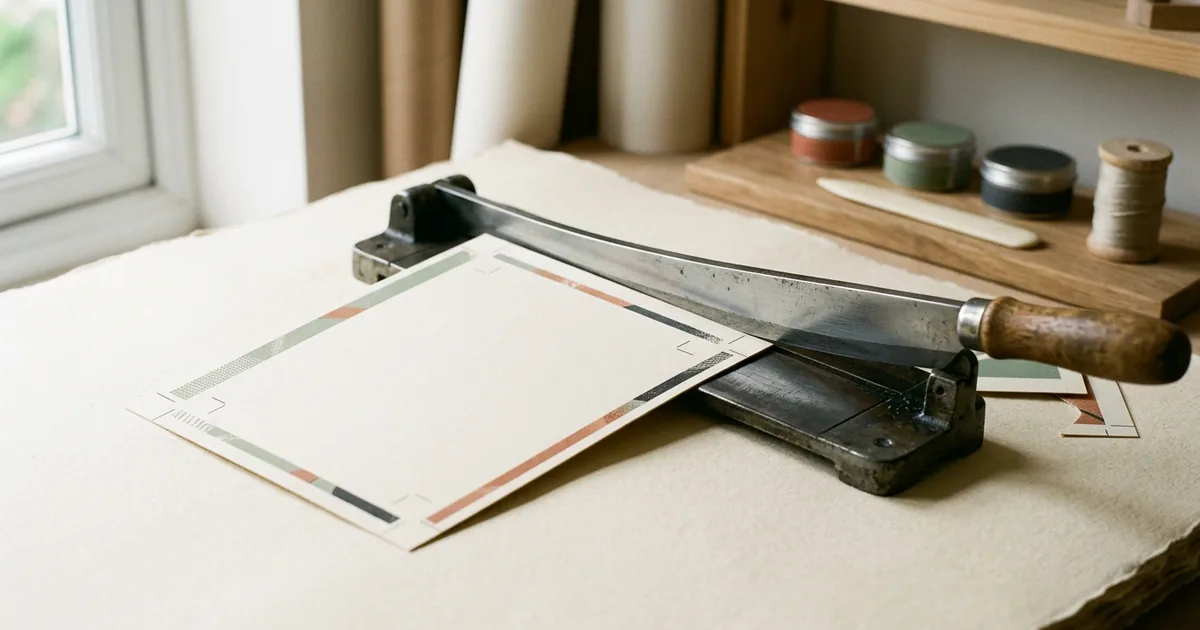
Bleed is the extra 3mm of artwork you extend past the edge of your document so that any tiny movement in the trimming process still leaves a clean edge with no white sliver. Safe area is the opposite: a 3mm margin inside the trim line where you should not place text or logos, so nothing important gets cut off. Get both right and your job trims cleanly first time. Get them wrong and you are the one paying for a reprint.
Why 3mm, specifically?
Cutting hundreds or thousands of sheets at once, even with a precise guillotine, involves a small amount of movement. Paper shifts fractionally in the stack, blades wear, and stock itself can move slightly with humidity. A 3mm tolerance covers this in almost all cases for standard commercial print. It is not an arbitrary number plucked from nowhere; it is the industry-standard allowance that print studios, including ours, build their pre-press checks around.
Some very large format work, such as posters or banners, uses a bigger bleed simply because the trimming equipment has a wider tolerance. For anything printed on a standard press or digital printer at home in the UK — business cards, flyers, postcards, leaflets — 3mm is the figure to remember.
The three zones on every print file
- Bleed area: extends 3mm beyond the trim line on every edge. Background colours, images and patterns should fill this area completely.
- Trim line: the exact finished size of your product — for example 85 x 55mm for a business card. This is where the blade actually cuts.
- Safe area: sits 3mm inside the trim line. Keep all text, logos and important graphics inside this boundary.
A worked example
Say you are ordering an A5 flyer (148 x 210mm finished size). Your artwork document should actually measure 154 x 216mm — that is 3mm added to every side. Your background colour or photo fills that whole 154 x 216mm canvas. Your headline, body copy and contact details all sit within a 142 x 204mm box centred on the page. Everything else — the coloured background, a full-bleed photograph, a border pattern — extends right to the outer edge.
| Product size | Document size with bleed | Safe area for text |
|---|---|---|
| Business card 85 x 55mm | 91 x 61mm | 79 x 49mm |
| A6 flyer 105 x 148mm | 111 x 154mm | 99 x 142mm |
| A5 flyer 148 x 210mm | 154 x 216mm | 142 x 204mm |
| A3 poster 297 x 420mm | 303 x 426mm | 291 x 414mm |
Common mistakes that cause reprints
The most frequent issue we see is a flat colour or photo that stops exactly at the trim line rather than extending into the bleed. The moment the cut lands even a fraction of a millimetre inside that line, a thin white edge appears on one or more sides. It looks unfinished and is entirely avoidable.
The second most common problem is text or a logo placed too close to the edge — inside the trim line but outside the safe area. If the guillotine drifts slightly, part of a word or a logo can be sliced off. Round or rounded-corner products such as swing tags are especially sensitive to this, since the corner cut removes more material than a straight edge.
How to check your file before you upload
- Confirm your document dimensions include the 3mm bleed on all sides, not just the finished size.
- Look at every edge of the design and make sure colour or imagery actually reaches the outer edge of the bleed area, not just close to it.
- Pull your text and logos inward and check nothing sits within 3mm of the trim line.
- If your design software can show trim and safe guides as separate layers, use them — most professional layout tools include this by default.
- Export as a flattened, high-resolution PDF rather than relying on the design software to interpret bleed at print time.
If you are ever unsure whether your bleed is set up correctly, it is worth asking before you place an order rather than after proofs come back. A quick visual check of the outer few millimetres of your artwork takes seconds and is the single most reliable way to avoid an unwanted reprint.
The short version
- Bleed = 3mm extra artwork beyond the trim line, filled with background colour or image.
- Safe area = 3mm inside the trim line, kept clear of text and logos.
- Standard UK print tolerance is 3mm on all sides for most products.
- Check every edge of your file before uploading — this single habit prevents most reprint requests.