
Most files that get held up at pre-press fail on one of six things. Run through them in order and you will be fine.
1. Set the right document size
Build the artwork at the finished trimmed size — 85 x 55mm for a business card, 148 x 210mm for A5 — not at the size of the paper it prints on. If you are designing something that folds, lay out all panels on one flat sheet in reading order.
2. Add 3mm bleed
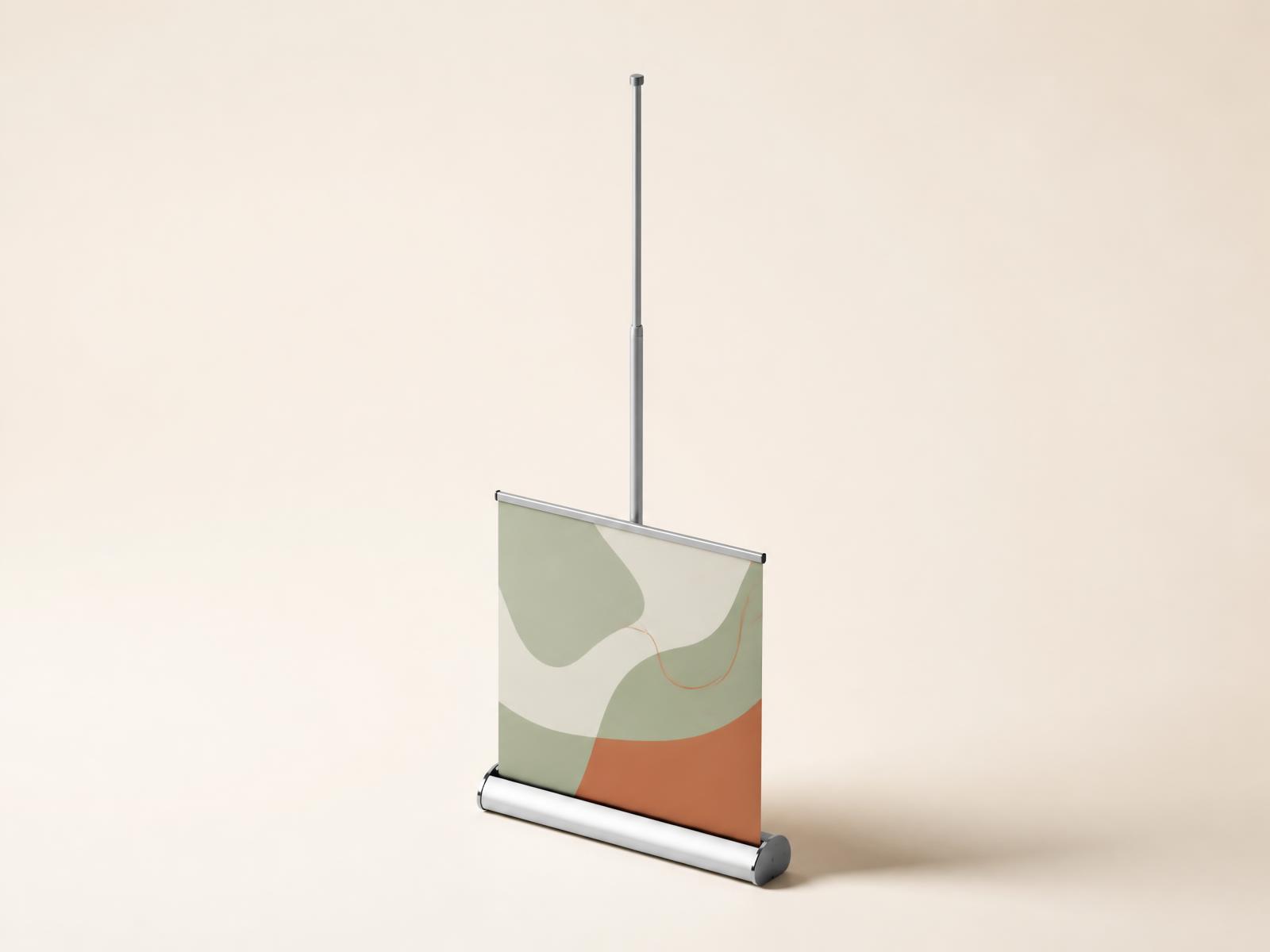
Bleed is artwork that extends past the trim line so that any background running to the edge still reaches the edge after cutting. Guillotines have a tolerance of roughly 1mm; without bleed you get a thin white sliver down one side. Extend backgrounds and images 3mm beyond the trim on all four sides. Large-format items such as banners need more — usually 10 to 25mm.
3. Keep content inside the safe area
Pull all text, logos and anything that must not be clipped at least 3 to 5mm inside the trim line. Page numbers and captions sitting 1mm from the edge will look off-centre even on a perfectly cut job.
4. Check resolution at final size
Images should be 300dpi at the size they appear on the page. A 1000-pixel-wide photo is fine across 8cm and poor across 20cm. For large-format work viewed from a distance, 150dpi at full size is plenty — a 6ft banner at 300dpi is an unnecessarily huge file.
Never enlarge a small web image and hope. Upscaling adds pixels but not detail, and it shows as soft, mushy edges.
5. Convert to CMYK
Supply CMYK, not RGB. Converting at our end works, but then the colour shift happens without you seeing it. Convert yourself so you can adjust anything that lands badly. Keep small text as 100 per cent K black only.
6. Export a print-ready PDF
Use PDF/X-1a or PDF/X-4 where you can. Embed all fonts or convert text to outlines, flatten transparency, and include the 3mm bleed with crop marks. Then open the exported PDF and look at it — around a third of the problems we see are visible on the exported file but were never checked.
Quick pre-flight questions
- Is every image at least 300dpi at final size?
- Does the background reach 3mm past the trim on all four edges?
- Is all critical content at least 3mm inside the trim?
- Are the fonts embedded or outlined?
- Is the file CMYK, with small text in K only?
- Have you proofread it out loud? Typos survive nine screen reads and get spotted on the printed sheet.
If anything on that list is uncertain, upload the file anyway and add a note. Our studio checks every job before it goes to press and will come back to you rather than print something that will disappoint.