
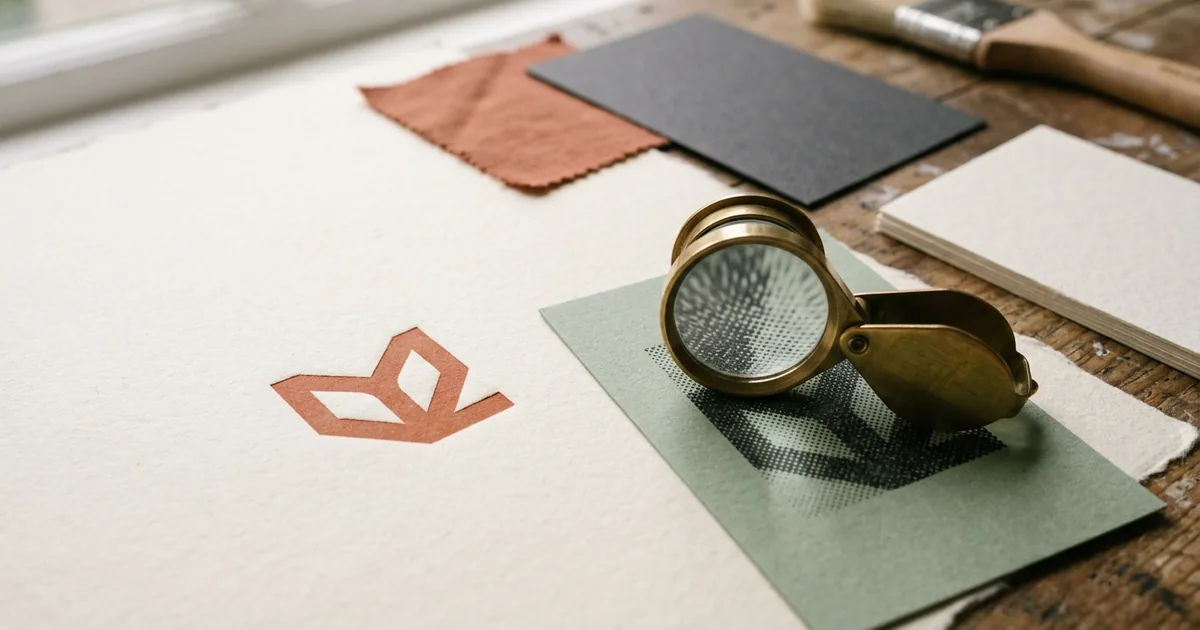
Vector files are built from mathematical paths and can be scaled to any size with no loss of quality, which makes them ideal for logos, icons and text. Raster files are made of a fixed grid of pixels, which makes them the right choice for photographs but means they lose sharpness if enlarged too far. Sending a raster logo when a vector one is needed — or the reverse — is one of the most common reasons artwork comes back looking soft or pixelated in print.
What actually makes them different
A vector graphic stores shapes as points, lines and curves defined by mathematics rather than as a grid of coloured dots. Zoom in as far as you like and the edges stay perfectly crisp, because the software simply recalculates the curve at the new size. Vector formats include .ai, .eps, .svg and PDFs that were originally created in vector software such as Illustrator or Affinity Designer.
A raster graphic, by contrast, is a fixed grid of pixels, each with its own colour value. Formats like .jpg, .png, .tiff and .psd are all raster. Photographs are always raster, because a camera captures light as a grid of pixels — there is no equivalent "vector photo". The trade-off is that raster images have a fixed amount of detail. Enlarge one beyond its native resolution and the individual pixels become visible as blur or blockiness.
Which one does your job actually need?
| Artwork element | Best format | Why |
|---|---|---|
| Logo | Vector | Needs to scale from a business card to a banner without quality loss |
| Body text and headlines | Vector (as live text) | Stays sharp at any size and remains editable |
| Icons and line illustrations | Vector | Clean edges at any scale, small file size |
| Photographs | Raster, high resolution | Cameras produce pixel-based images by nature |
| Textures and scanned artwork | Raster, high resolution | No practical vector equivalent |
The resolution question for raster images
Because raster images have a fixed pixel count, resolution matters enormously for print. The standard target for commercial print is 300 dots per inch (dpi) at the final printed size. A photo that looks perfectly sharp on a phone screen might only be 72dpi once printed at A4 size, which is why images that look fine on screen can print blurry.
To check whether a raster image is suitable, look at its pixel dimensions and divide by the intended print size in inches. An image intended to fill a 6 x 4 inch postcard needs to be at least 1800 x 1200 pixels to hit 300dpi. Below that, the image will start to look soft, and well below it, individual pixels become visible as blockiness.
What happens if you send the wrong type
Supplying a raster logo — commonly a low-resolution one grabbed from a website — is the single most frequent artwork issue in general print. Website logos are usually saved at screen resolution (72dpi) and small pixel dimensions, since that is all a browser needs. Blown up to fill a banner or even just a business card, the edges turn jagged and any fine detail disappears.
The reverse problem is rarer but happens: photographs saved as vector-wrapped PDFs sometimes get flattened or recompressed unexpectedly by design software, so it is always worth double-checking that a placed photo still looks sharp when you zoom in within your PDF export, not just in the original design file.
Getting hold of a proper vector logo
- Ask whoever originally designed your logo for the source file — typically an .ai, .eps or .svg.
- If no source file exists, a designer can redraw ("vectorise") a logo from a raster copy — this is a one-off job worth doing properly rather than repeatedly fighting blurry print.
- Free and low-cost vector tracing tools exist, but for anything client-facing, a manually redrawn vector will always look cleaner than an automated trace.
- Once you have a proper vector logo, keep it safe — it will save you time on every print order from then on.
The short version
- Vector = scalable mathematics, best for logos, text and line art.
- Raster = fixed pixel grid, the only option for photographs.
- Raster images need roughly 300dpi at final print size to look sharp.
- Low-resolution web logos are the most common cause of blurry print — get a proper vector version if you don't have one.